Creating a new Digital Media Frame
Posted on 28 September 2026 03:04 pm
- Login to the Director console https://director.snapitshareit.com
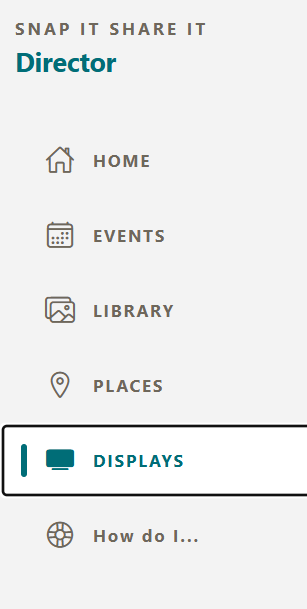
- From the side menu select the "Displays" menu
- On your chosen device, start the Digital Frame app or use our short URL https://pix4.tv. This will display a "Pairing code" on your first open
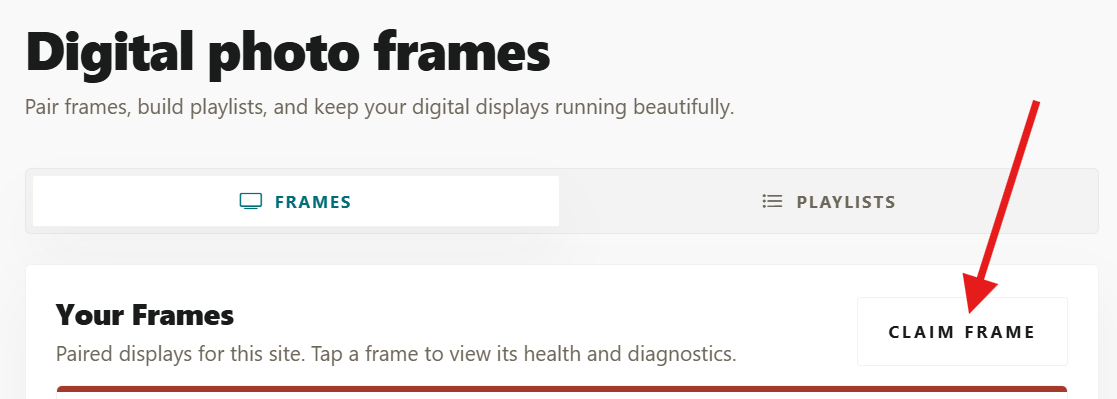
- Click the Claim Frame button
- Type the frame Pairing code supplied from step 3 into the box provided and name the digital frame something meaningful to you so you can recognise it.