Creating a Digital Media playlist
Posted on 28 September 2026 03:24 pm
- Log in to the Director console https://director.snapitshareit.com
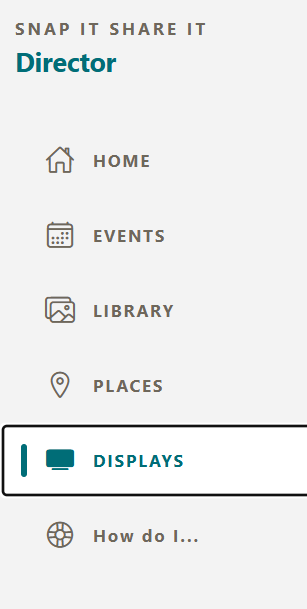
- From the side menu, select the "Displays" menu
- At the top, select the "PLAYLISTS" list header button to show all your current playlists
- Then press the "NEW PLAYLIST" button to open the playlist creator form.
- Add the name for your playlist, like "Sienna's 2nd Birthday"
- Manual playlists allow you to select specific photos from you entire library
Dynamic playlists allow you to select a all the photos from albums or images that have a score of x and above. x being a number you choose.